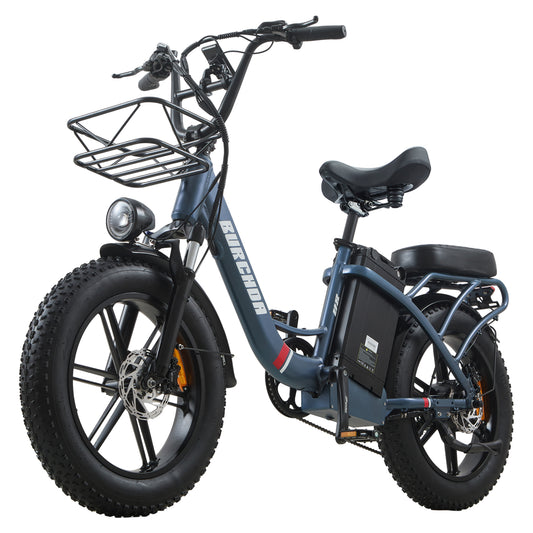
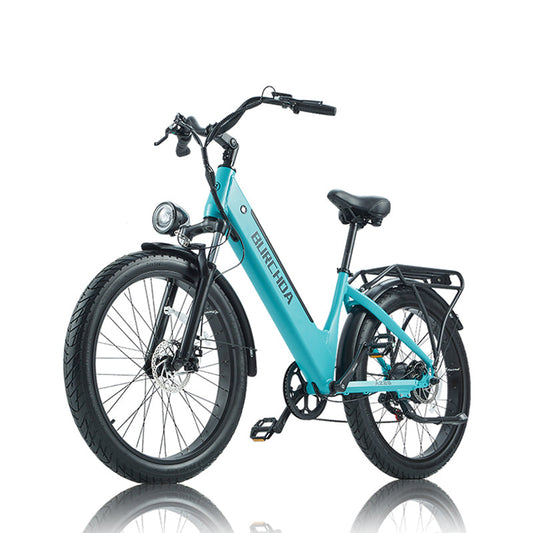
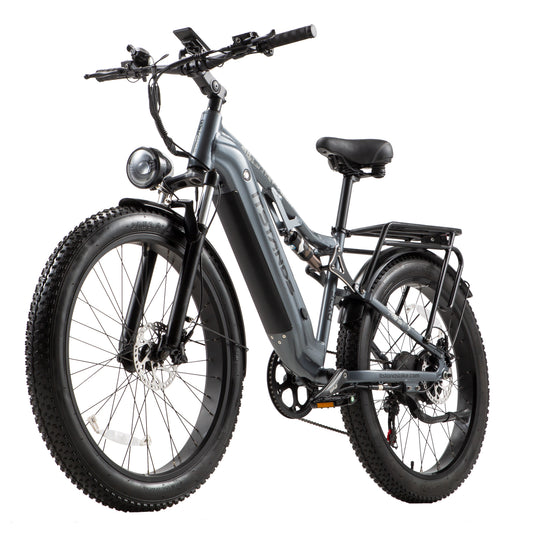
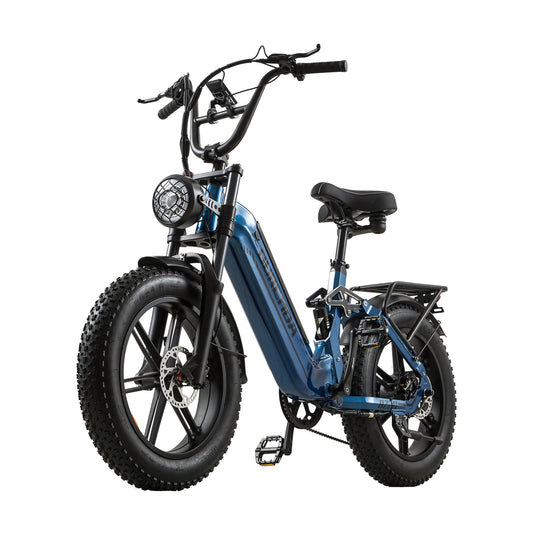
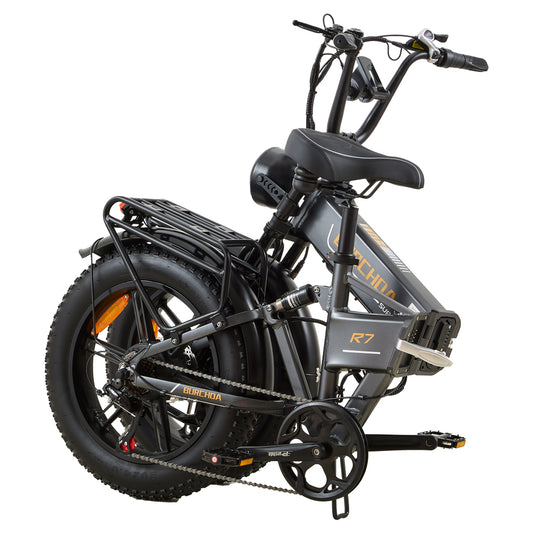
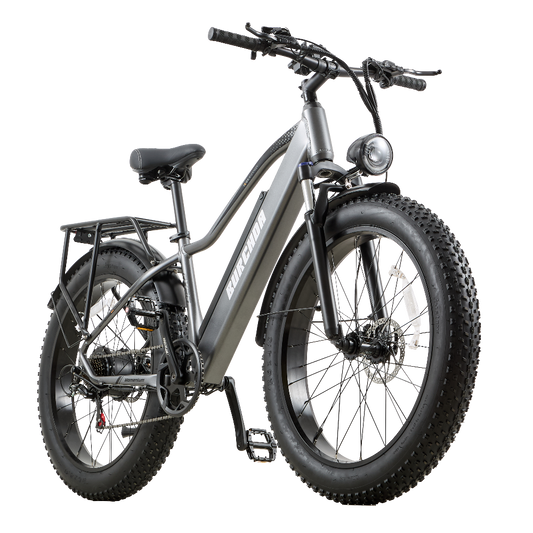
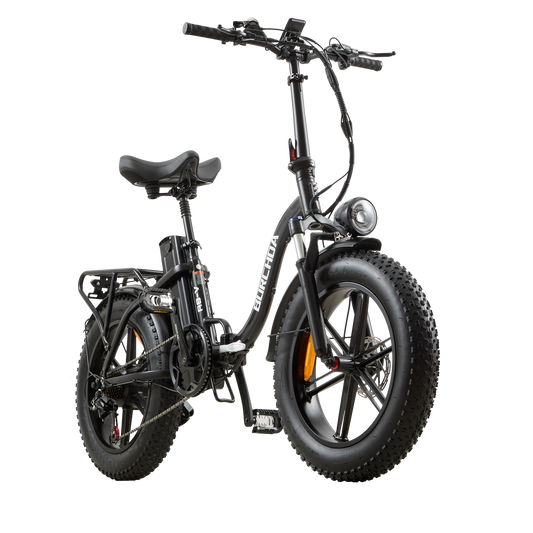
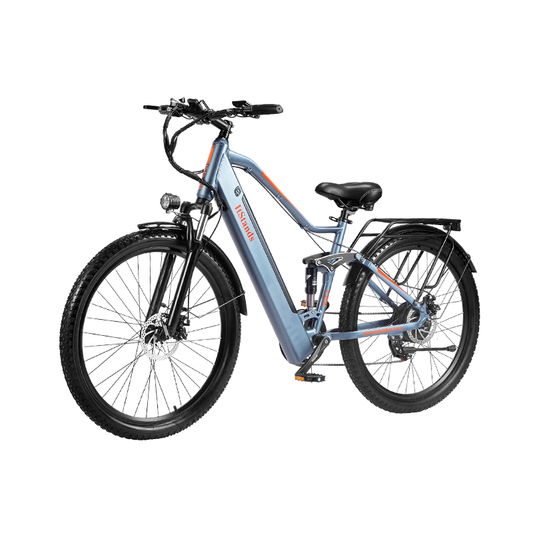
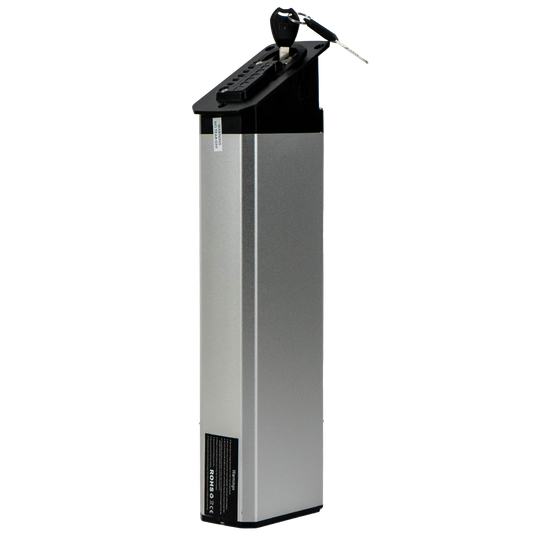
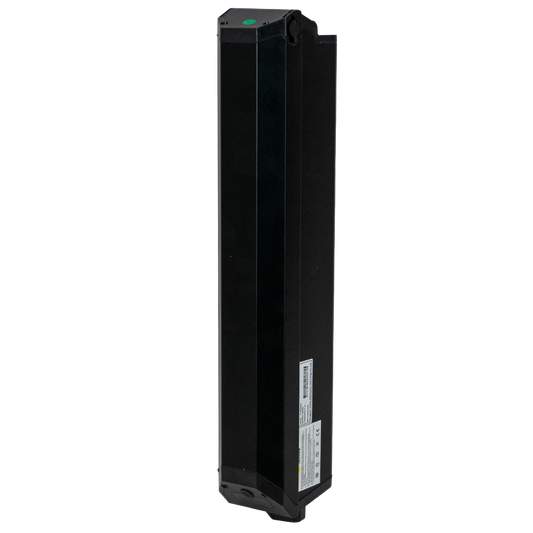
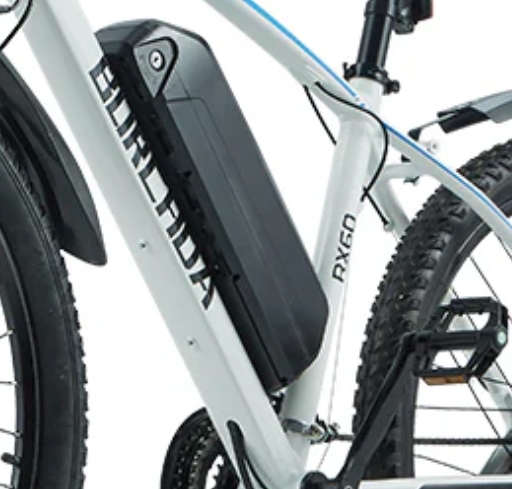
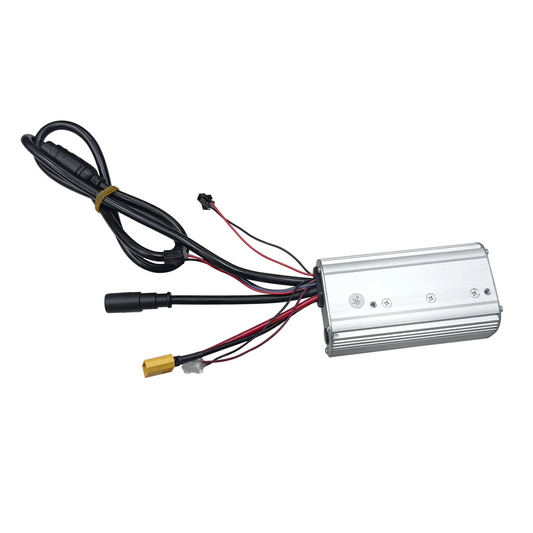
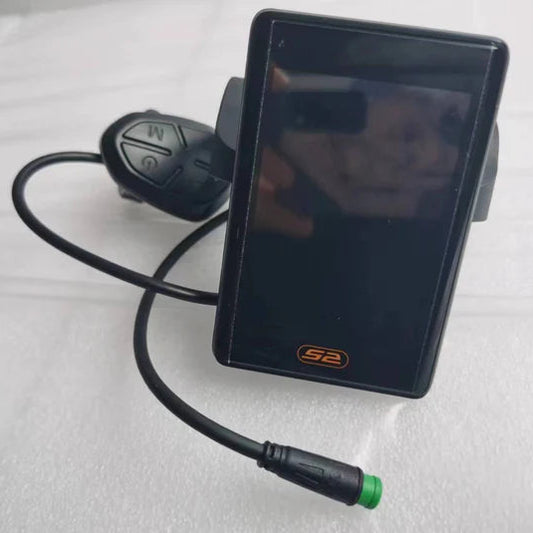
This tutorial applicable to Burchda RX60, AZ26, R3, RX02, RX20, and X27 models.
One-key factory reset for the YL-61F instrument cluster:
1. After powering on, simultaneously press and hold the + key and the power button to enter the default parameter restoration interface (dEF).
2. Shortly press the + key to change the display to dEF-y, then shortly press the power button to confirm.