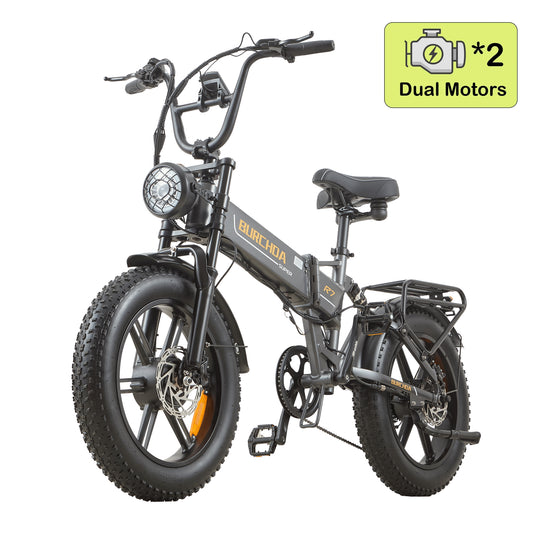
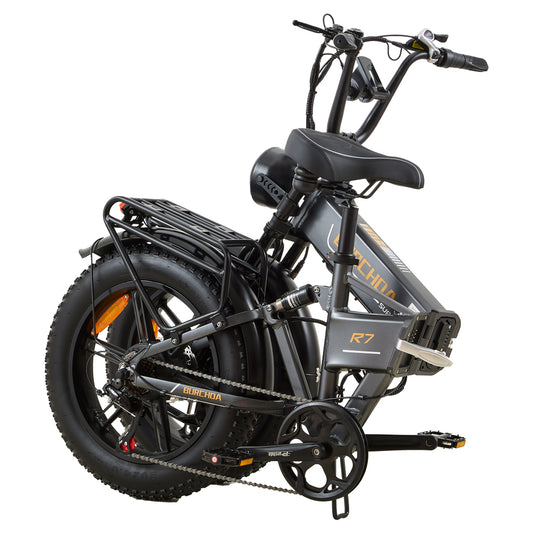
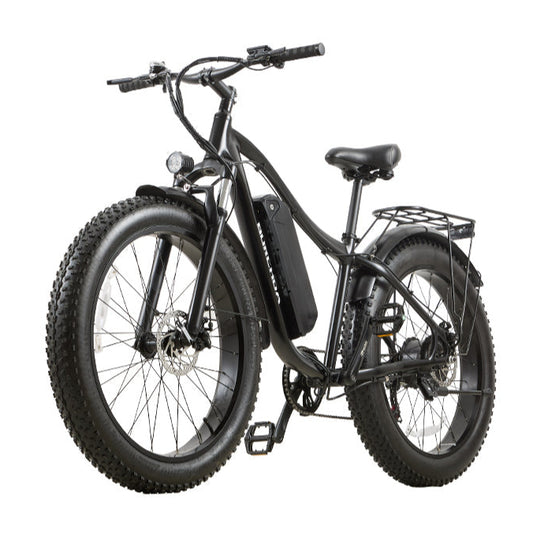
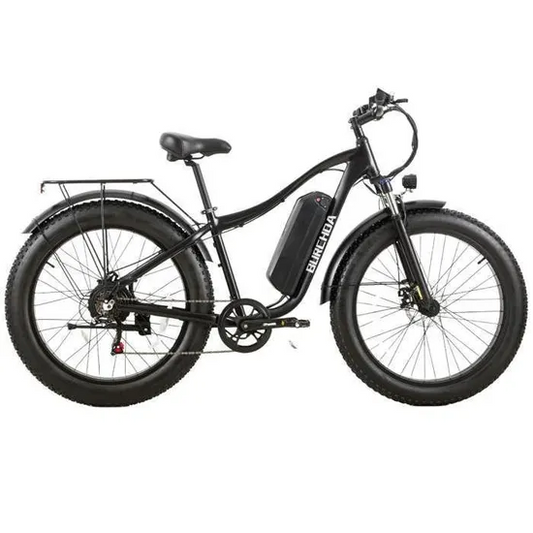
Some users of the Burchda B27 may not know how to reset the single-trip counter and the time. Simply follow the steps below.
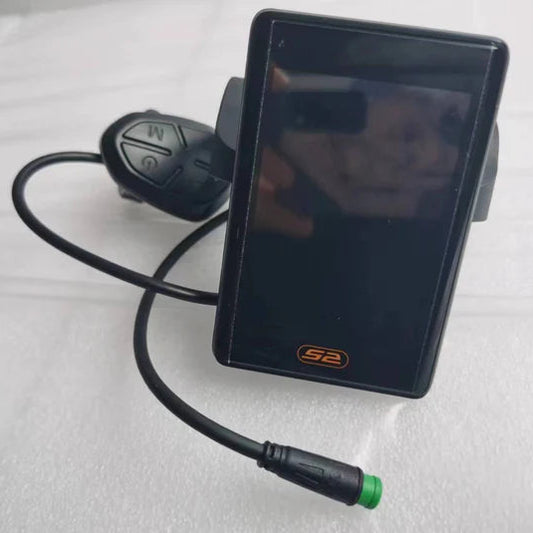
1. On the startup screen, press and hold the [Settings] button for 3 seconds to enter the parameter settings screen, then briefly press the [Settings] button to navigate to the P03 screen.
2. Once on the P03 screen, briefly press the ➕ or ➖ buttons to change the characters at the bottom to cL-y. After making the change, press and hold the [Settings] button to save and exit.