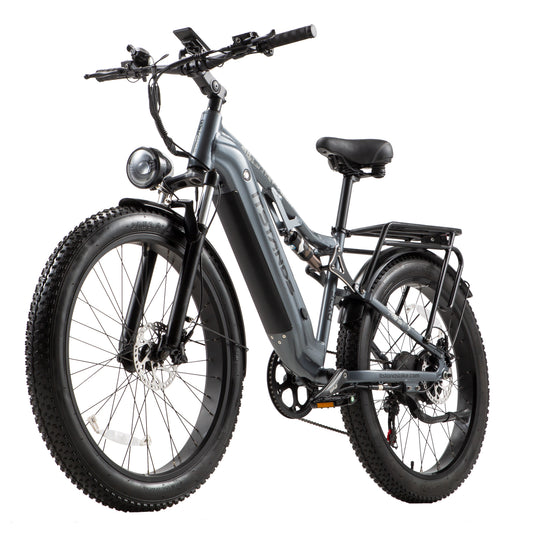
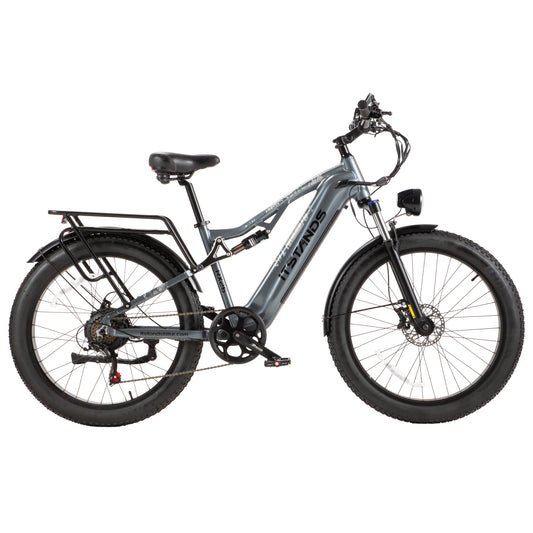
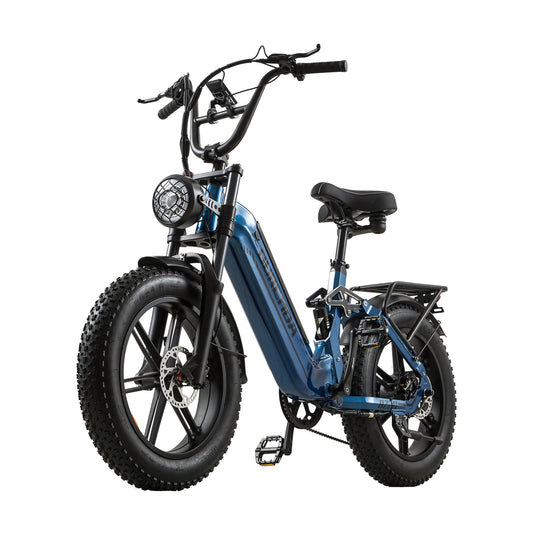
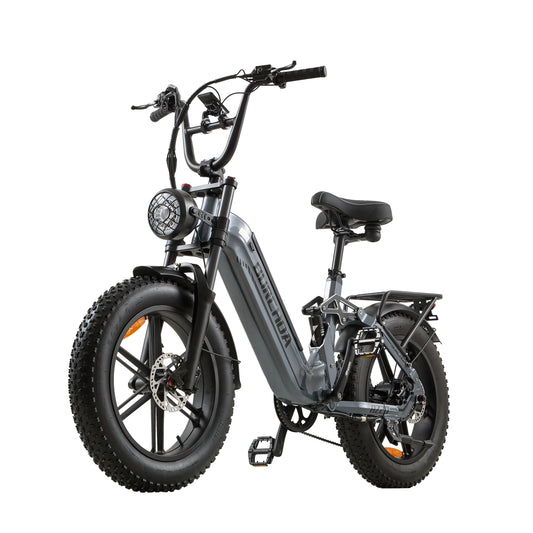
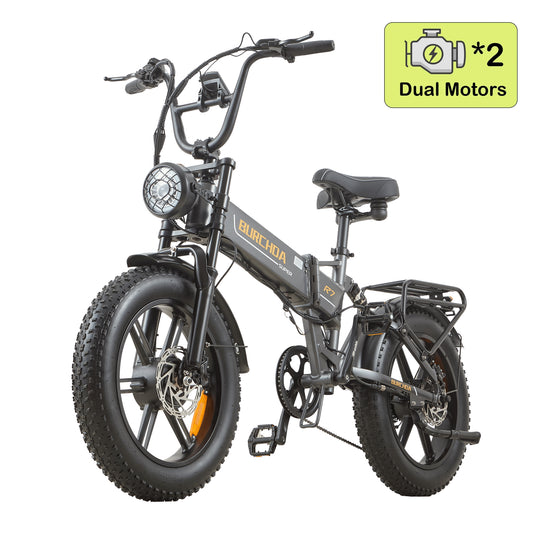
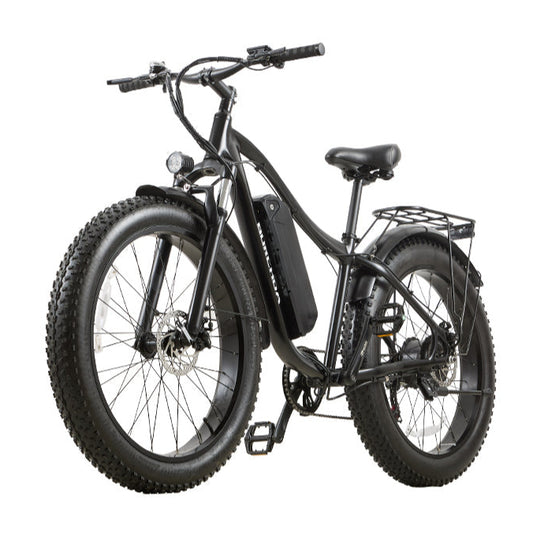
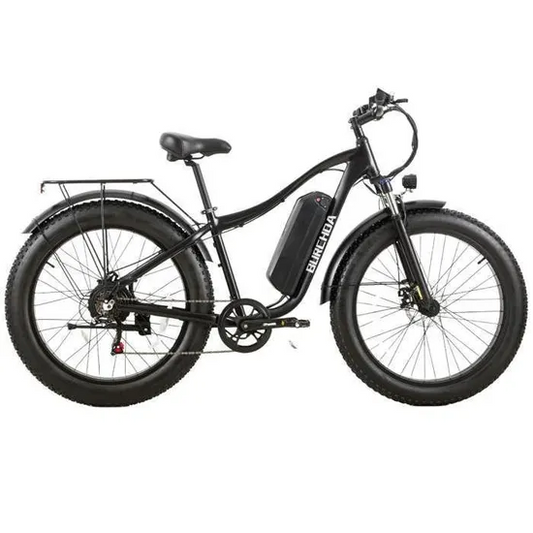
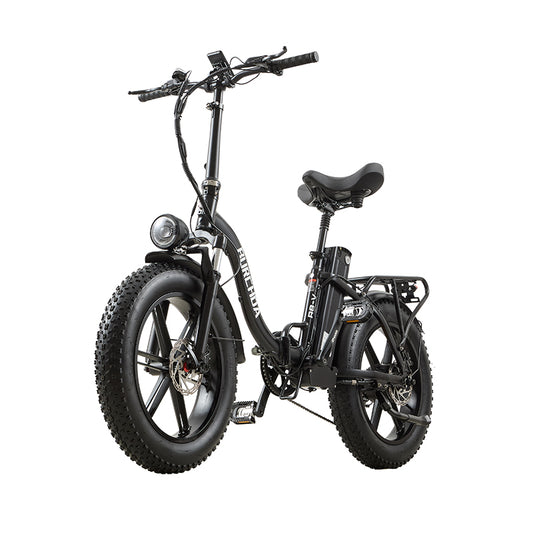
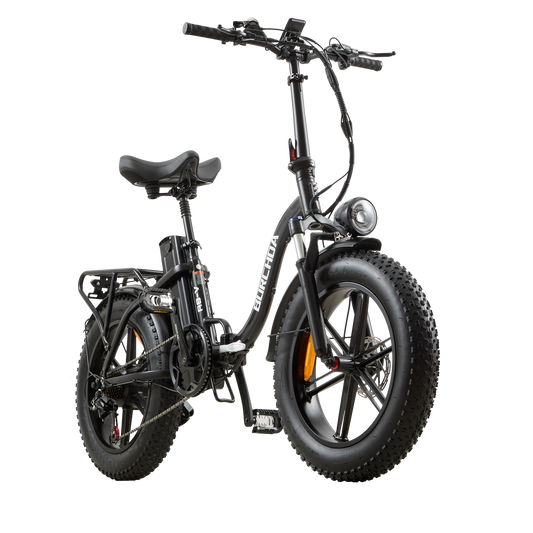
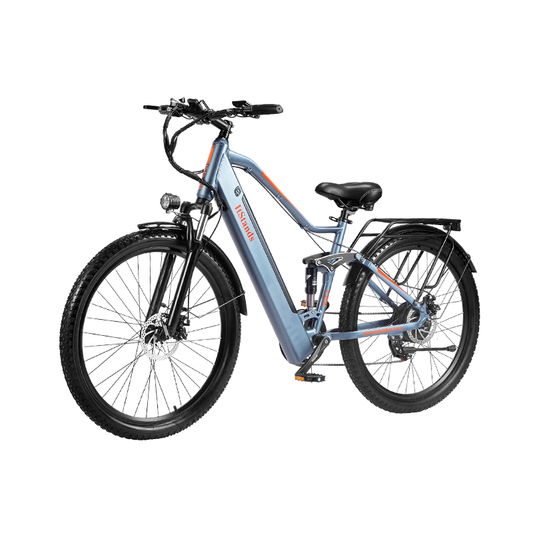
This method is applicable to Burchda AZ26/U2/RX70/RX60/RX20/RX02/H1 electric bicycles equipped with YL61C instrument.
61F-C Display (New Version) Speed Limit Unlock:
-
Press and hold the “+” and “–” buttons simultaneously to enter the settings menu. Then press and hold them again to access the password screen.
-
Enter the password: 2847
- Short press “+” or “–” to input numbers
- Short press the power button (⊙) to move to the next digit
After entering, you will access the speed limit setting page.
-
Once inside, short press the power button (⊙) — the value at the bottom will start flashing. Then short press or long press the “+” button to adjust the speed limit.
-
After setting, press and hold the power button (⊙) to save and exit.
61F-C Display (Old Version) Speed Limit Unlock:
The steps to release the speed are very simple, just follow the steps described below.
After turning on the machine, press and hold the ➕➖ keys at the same time to enter the parameter setting, then short press the power button to 08P, short press the power button, the value below flashes, and press the ➕ or ➖ key to adjust the maximum speed value.