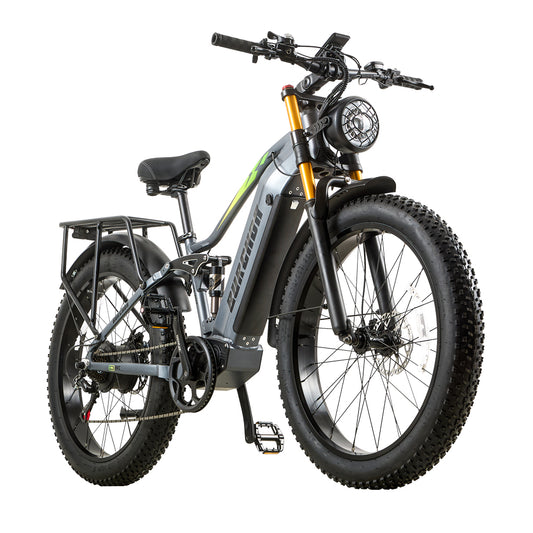
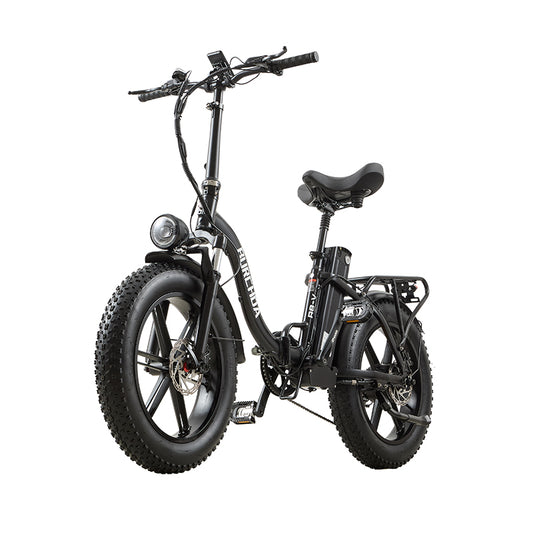
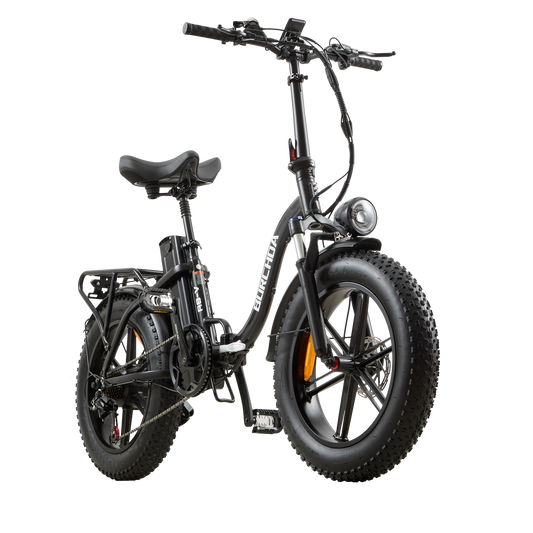
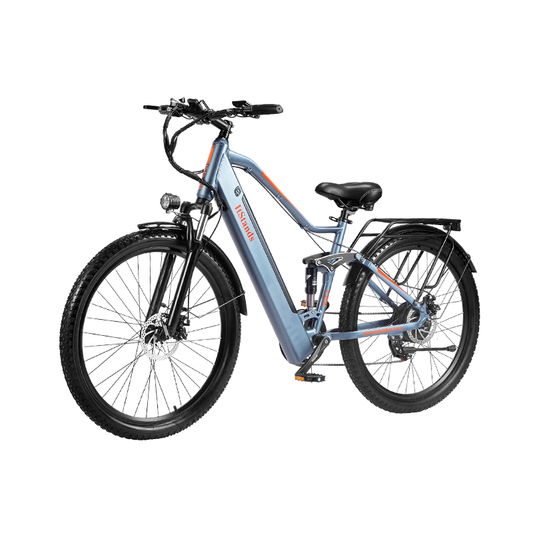
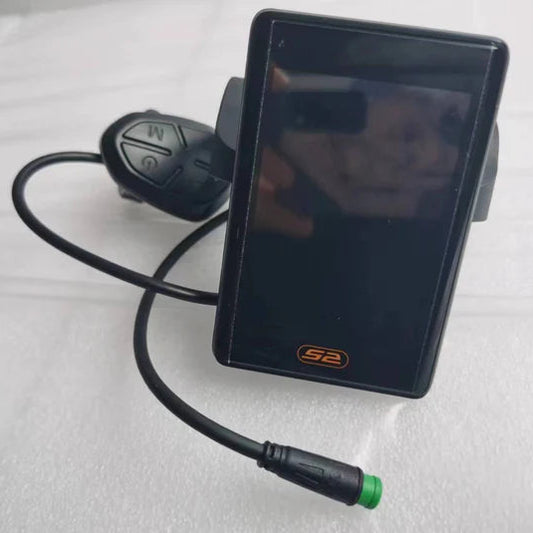
VA35 Instrument Cluster Throttle Setting:
1. On the start-up screen, press and hold the [Settings] button for 3 seconds to enter the parameter settings screen; press the [Settings] button briefly to enter the P07 screen.
2. Press the ➕ or ➖ button briefly to change the value below to 0, then press and hold the [Settings] button to save and exit.