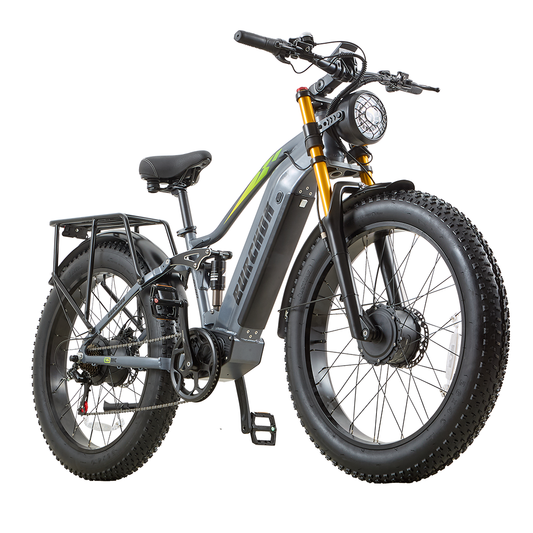
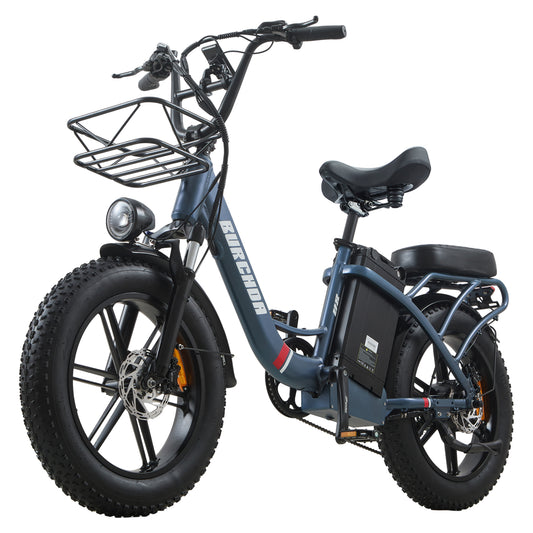
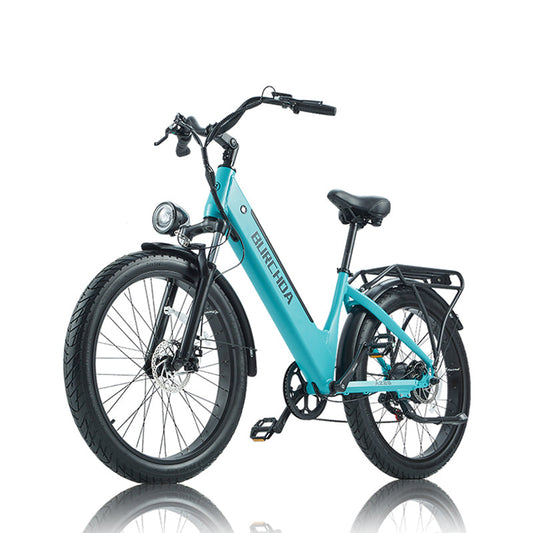
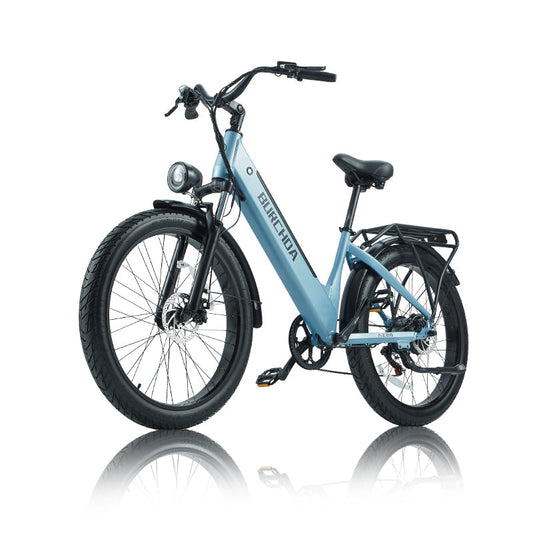
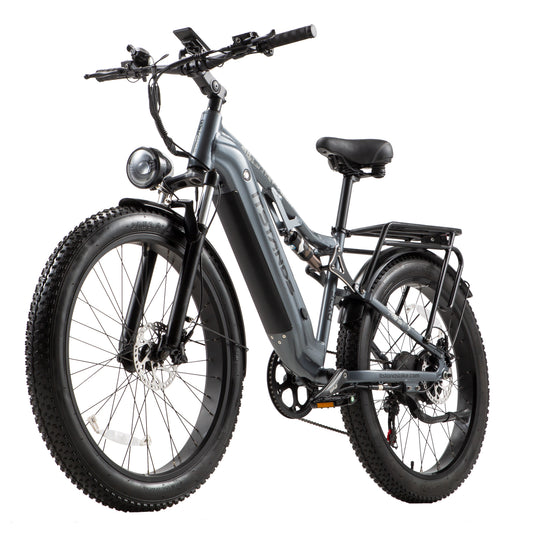
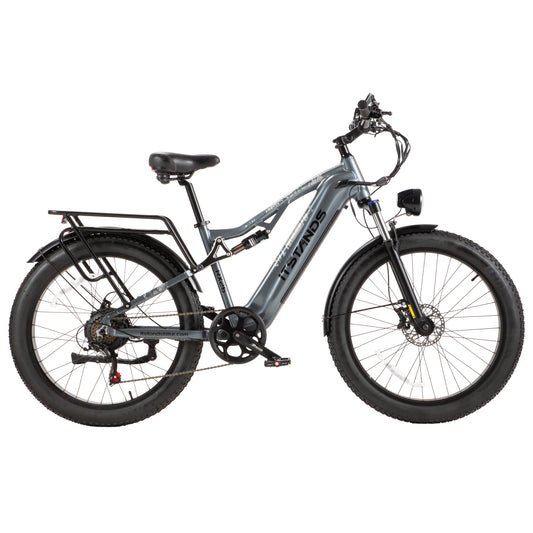
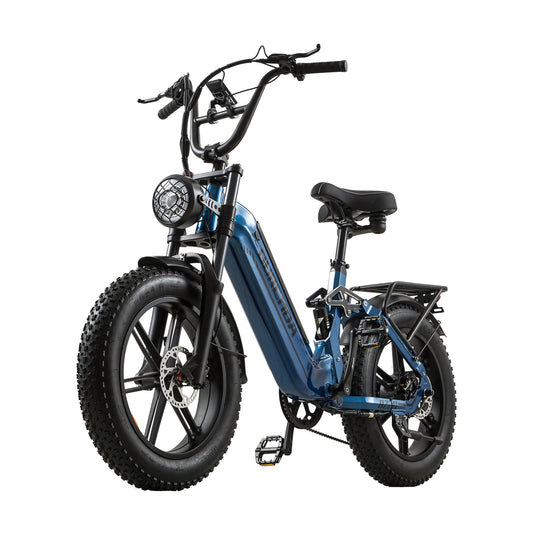
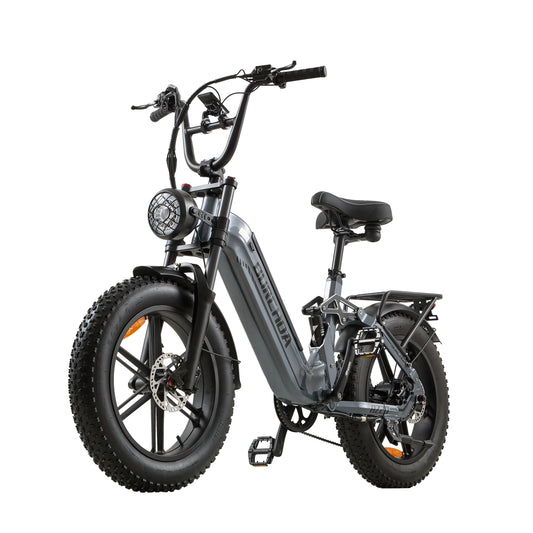
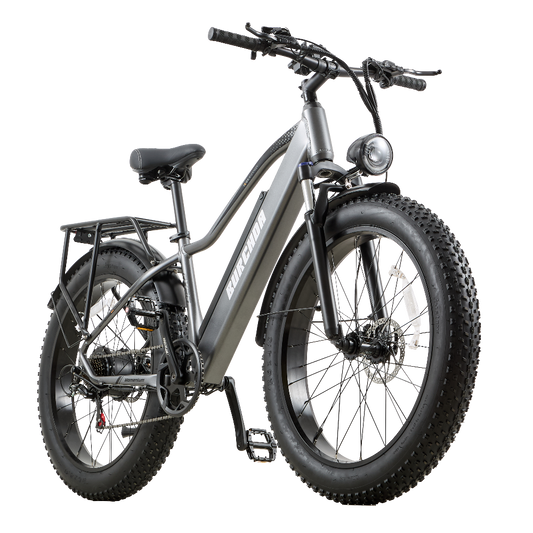
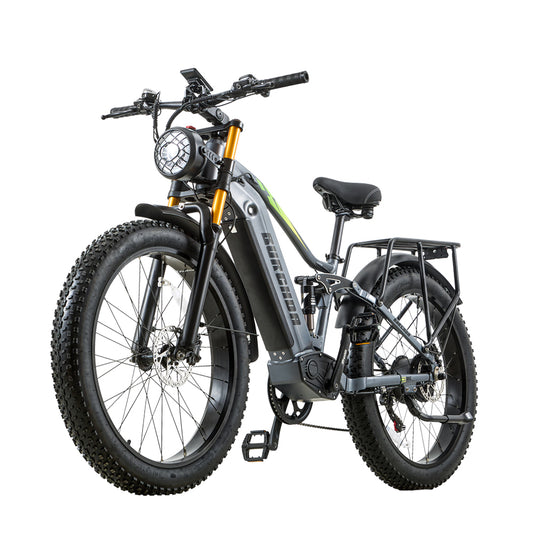
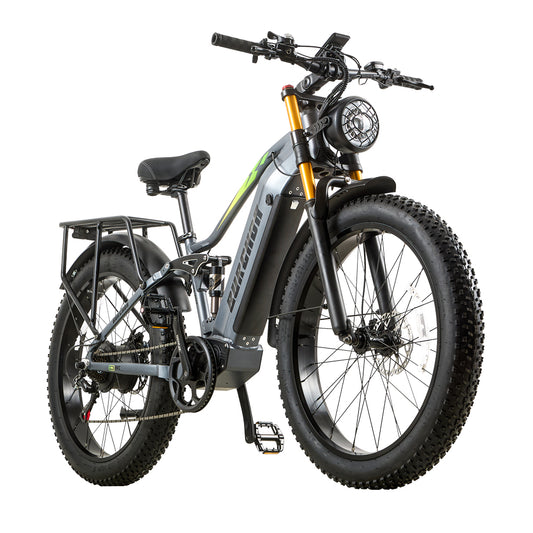
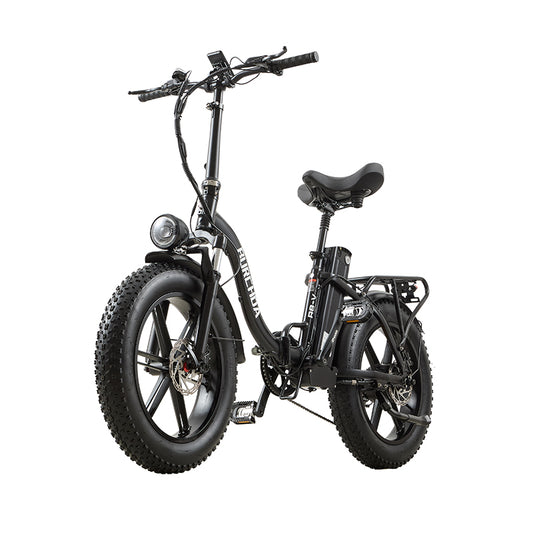
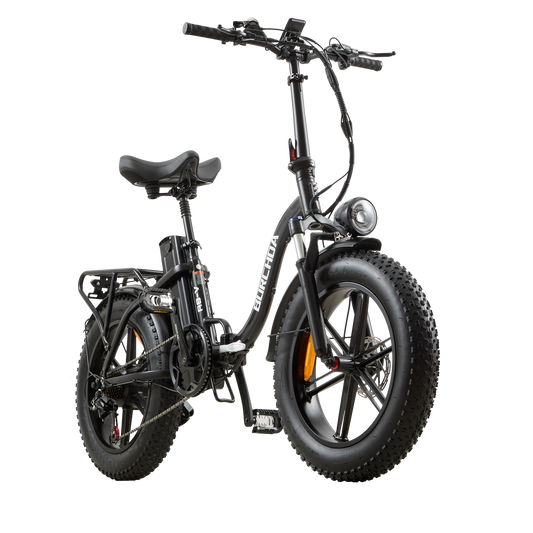
Certains utilisateurs du Burchda B27 peuvent ne pas savoir comment réinitialiser le compteur de trajet unique et l'heure. Il suffit de suivre les étapes ci-dessous.
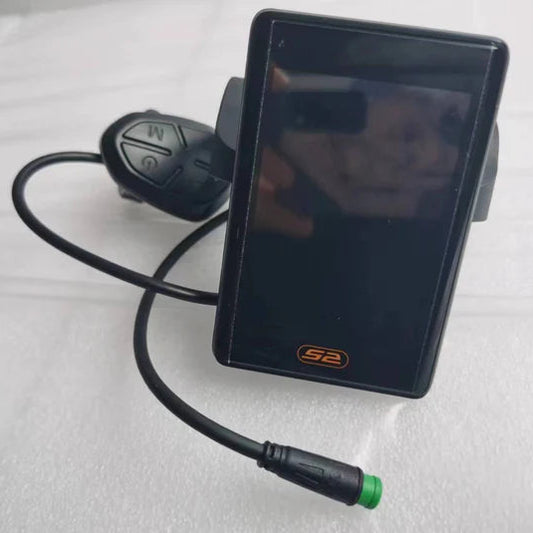
1. Sur l'écran de démarrage, appuyez et maintenez le bouton [Paramètres] pendant 3 secondes pour entrer dans l'écran des paramètres, puis appuyez brièvement sur le bouton [Paramètres] pour naviguer jusqu'à l'écran P03.
2. Une fois sur l'écran P03, appuyez brièvement sur les boutons ➕ ou ➖ pour changer les caractères du bas en cL-y. Après avoir effectué la modification, appuyez et maintenez le bouton [Paramètres] pour enregistrer et quitter.