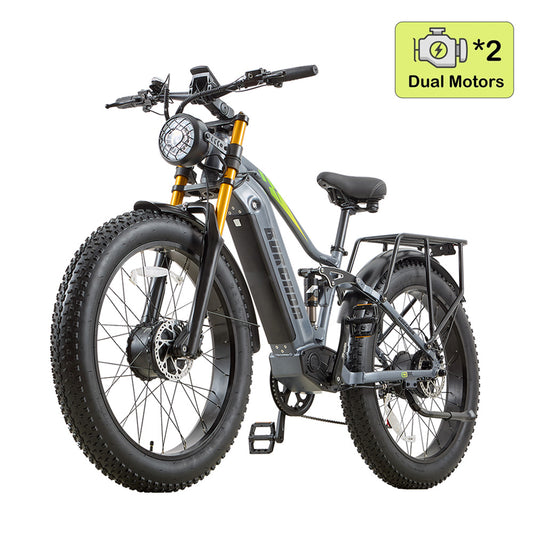
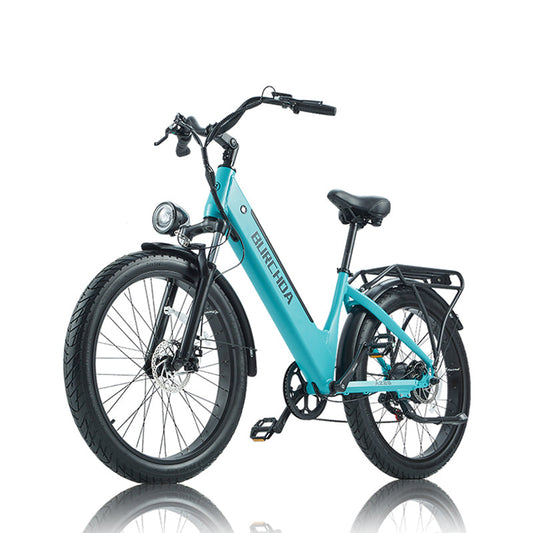
Manuel d'utilisation de l'écran de vélo électrique BURCHDA - KING METER VA35

GUIDE DE L'UTILISATEUR
VA35 LCD
Table des matières
- 2 -
2.2 Zone d'affichage normale

2.3 Définition des boutons
L'instrument VA35 dispose de cinq boutons. Dans les instructions suivantes, les boutons sont remplacés par les étiquettes textuelles suivantes :
 [POWER]
 [MODE]
 [SET]
[SET]
 [DOWN]
 [UP]
[UP]
 [HEADLIGHT]
3. Rappel à l'utilisateur

Faites attention à la sécurité pendant l'utilisation. Ne branchez et ne débranchez pas l'écran lorsqu'il est sous tension. Évitez autant que possible de heurter l'écran.
- 3 -

Le film utilisé pour l'écran est un film imperméable. Veuillez ne pas l'arracher pour éviter d'affecter la performance d'étanchéité de l'écran.

Veuillez ne pas modifier les paramètres d'arrière-plan de l'écran sans discernement, sinon le fonctionnement normal ne pourra être garanti.

Lorsque l'écran ne peut pas être utilisé normalement, il doit être envoyé en réparation dès que possible.
4. Instructions d'installation
Fixez l'écran sur le guidon et ajustez l'angle de vue approprié. Lorsque le vélo électrique est éteint, l'écran peut être installé en insérant le connecteur de l'écran et le connecteur correspondant du contrôleur.
5. Introduction au fonctionnement
5.1 Marche/Arrêt
Après avoir maintenu le bouton [POWER], l'écran commence à fonctionner et fournit l'alimentation du contrôleur. En état de marche, maintenez le bouton [POWER] enfoncé pour éteindre le vélo électrique. En état d'arrêt, l'écran n'utilise plus l'alimentation de la batterie, et le courant de fuite de l'écran est inférieur à 1uA.
Si le vélo électrique n'est pas utilisé pendant plus de 10 minutes, l'écran s'éteint automatiquement.
5.2 Interface utilisateur
L'interface normale peut être affichée après la mise sous tension. L'interface peut afficher la valeur de puissance en temps réel du vélo électrique, la vitesse en temps réel, le kilométrage d'un seul trajet (TRIP), le kilométrage total (ODO), le niveau d'assistance électrique (PAS), et une courte pression sur [POWER] permet de basculer entre la vitesse moyenne, la vitesse maximale, le temps de trajet unique (TRIP TIME), le trajet unique (TRIP).
- 4 -


5.3 Assistance à la marche
Appuyez longuement sur [DOWN] pendant 2 secondes, le vélo électrique entrera en mode d'assistance à la marche. Le vélo électrique roule à une vitesse constante de 6 km/h.

La fonction d'assistance à la marche ne peut être utilisée que lorsque l'utilisateur pousse le vélo électrique. Ne l'utilisez pas pendant la conduite.
- 5 -
5.4 Allumer/Éteindre les phares
Appuyez brièvement sur le bouton [HEADLIGHT] pour afficher l'interface comme illustré, et l'icône apparaît, indiquant que les lumières ont été allumées. Appuyez de nouveau brièvement sur le bouton [HEADLIGHT] pour éteindre les lumières.

5.5 Sélection du niveau PAS
Appuyez brièvement sur le bouton [UP] ou [DOWN] pour changer le niveau d'assistance électrique du vélo électrique et modifier la puissance de sortie du moteur, le niveau PAS de sortie par défaut de l'affichage étant de 0 à 5.
5.6 Indicateur de batterie
L'écran affiche un total de cinq niveaux de puissance. Lorsqu'elle est entièrement chargée, la grille blanche est pleine.


- 6 -
5.7 Remise à zéro du trajet unique
En l'absence de vitesse, dans l'interface TRIP, appuyez longuement sur les boutons [MODE] et [DOWN] pour remettre à zéro le kilométrage unique (trip) et le temps de trajet unique (trip time).
5.8 Code d'erreur
Lorsque le système de contrôle électronique du vélo électrique tombe en panne, l'écran affiche automatiquement un code d'ERREUR. Pour la définition détaillée des codes d'erreur, veuillez consulter l'Annexe 1.

Ce n'est qu'une fois le défaut éliminé que l'on peut quitter l'interface d'affichage des défauts ; le vélo électrique ne continuera pas à fonctionner après l'apparition d'un défaut.
- 7 -
6. Configuration, utilisation et modification du mot de passe de démarrage

7. Préparation avant le démarrage
Pour entrer le mot de passe : Lorsque l'appareil est allumé et que la vitesse est nulle, appuyez et maintenez le bouton [SET] pendant 3 secondes pour accéder à l'interface des réglages. Dans le menu des réglages, appuyez simultanément sur [UP] + [MODE] pour accéder à l'interface du mot de passe de démarrage. Le mot de passe par défaut est 1212.
Utilisez les boutons [UP] et [DOWN] pour choisir d'activer ou de désactiver la fonction de mot de passe : "n" indique que le mot de passe est désactivé, "y" indique qu'il est activé. Après avoir sélectionné l'activation, appuyez brièvement sur [SET] pour confirmer et accéder à l'interface de modification du mot de passe.
Utilisez les boutons [UP] et [DOWN] pour augmenter/diminuer les valeurs numériques du nouveau mot de passe. Après modification, appuyez et maintenez [SET] pour enregistrer et confirmer, puis quittez l'interface des réglages. Pour revenir à l'interface du mot de passe, vous devrez saisir le mot de passe nouvellement modifié.

Veuillez lire attentivement les instructions avant d'utiliser l'écran.
8. FAQ
Q: Pourquoi l'écran ne s'allume-t-il pas ?
R: Veuillez vérifier si la batterie est allumée ou si le fil de fuite est cassé.
Q: Comment gérer l'affichage du code d'erreur ?
R: Contactez la station de maintenance de vélos électriques en temps voulu.
- 8 -
9. Assurance qualité et portée de la garantie
I. Informations sur la garantie :
- King-Meter sera responsable de toutes les pannes survenant lors d'un fonctionnement normal et causées par un défaut de qualité.
- La durée de la garantie est de 24 mois à compter de la date de sortie d'usine de l'écran.
II. Les éléments suivants ne sont pas couverts par la garantie :
- Boîtier ouvert.
- Connecteur endommagé.
- Après la sortie d'usine de l'écran, le boîtier est rayé ou endommagé.
- Le fil de l'écran est rayé ou cassé.
- Le défaut ou les dommages sont causés par un cas de force majeure (tel qu'un incendie, un tremblement de terre, etc.) ou des catastrophes naturelles (telles que la foudre, les inondations, etc.).
- Produit hors période de garantie.
10. Version
Le manuel d'instructions de cet afficheur est le manuel d'utilisation de la version logicielle générale (version 1.0) de Tianjin King-Meter Technology Co., Ltd. La version du logiciel d'affichage utilisée sur certains véhicules peut être légèrement différente de ce manuel, et la version réellement utilisée prévaudra.
Annexe 1 : Définition des codes d'erreur
| Code | Définition |
|---|---|
| 0x21 | Défaut du contrôleur |
| 0x22 | Accélérateur anormal |
| 0x23 | Perte de phase du moteur |
| 0x24 | Capteur à effet Hall du moteur anormal |
| 0x25 | Protection sous tension |
| 0x30 | Alarme de défaut de communication |
| 0x31 | Alarme de défaut de bouton d'alimentation bloqué |
| 0x34 | Alarme de défaut de bouton de fonction 6KM bloqué |
-
Batterie d'origine 48V31,5Ah pour Burchda U8
Prix habituel €549,00 EURPrix habituelPrix unitaire par€589,00 EURPrix promotionnel €549,00 EURSafe & Secure Payments


 En vente
 -
Batterie d'origine 48V30Ah pour Burchda HC26
Prix habituel €499,00 EURPrix habituelPrix unitaire par€559,00 EURPrix promotionnel €499,00 EURSafe & Secure Payments
En vente -
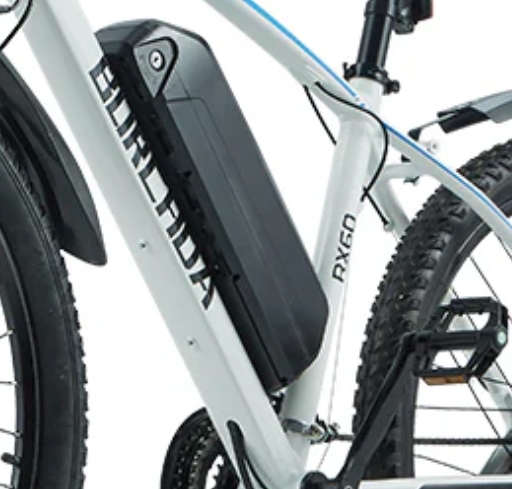
Batterie d'origine 48 V 17,5 Ah pour Burchda RX90
Prix habituel €429,00 EURPrix habituelPrix unitaire par€499,00 EURPrix promotionnel €429,00 EURSafe & Secure Payments
En vente -
Batterie d'origine pour Burchda RX80/RX50/AZ20
Prix habituel €419,00 EURPrix habituelPrix unitaire par€459,00 EURPrix promotionnel €419,00 EURSafe & Secure Payments
En vente -
Batterie d'origine 48 V 20 Ah pour Burchda R5Pro
Prix habituel €409,00 EURPrix habituelPrix unitaire par€449,00 EURPrix promotionnel €409,00 EURSafe & Secure Payments
En vente -
Batterie 48 V 20 Ah pour Burchda AZ26
Prix habituel €399,00 EURPrix habituelPrix unitaire par€449,00 EURPrix promotionnel €399,00 EURSafe & Secure Payments
En vente -
Batterie d'origine 48V20Ah pour Burchda RX70/RX20
Prix habituel €399,00 EURPrix habituelPrix unitaire par€459,00 EURPrix promotionnel €399,00 EURSafe & Secure Payments
En vente -
Batterie d'origine 48 V 20 Ah pour Burchda Itsands RX26
Prix habituel €389,00 EURPrix habituelPrix unitaire par -
Batterie d'origine pour Burchda R8/R8S/R8SPro/R8Pro
Prix habituel Du €359,00 EURPrix habituelPrix unitaire par€379,00 EURPrix promotionnel Du €359,00 EURSafe & Secure Payments
En vente -
Batterie d'origine 48V15Ah pour Burchda RX02/H1
Prix habituel €339,00 EURPrix habituelPrix unitaire par -
Batterie d'origine pour Burchda R3 PRO/R3
Prix habituel Du €339,00 EURPrix habituelPrix unitaire par€329,00 EURPrix promotionnel Du €339,00 EURSafe & Secure Payments
-
Batterie d'origine 48 V 15 Ah pour Burchda RX60
Prix habituel €299,00 EURPrix habituelPrix unitaire par€329,00 EURPrix promotionnel €299,00 EURSafe & Secure Payments
En vente -
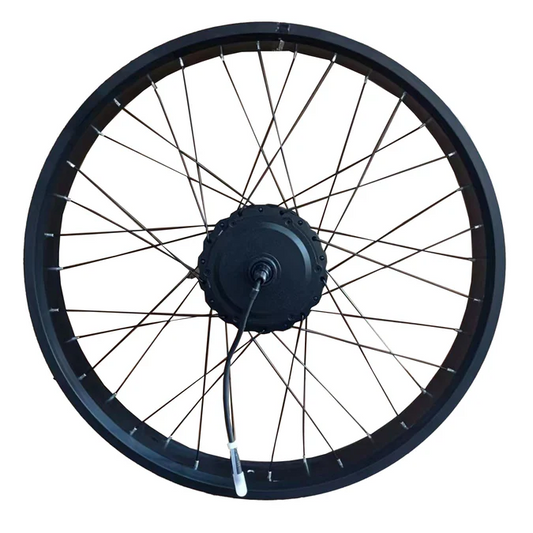
Ensemble de roues arrière d'origine (avec moteur) pour vélo électrique Burchda
Prix habituel Du €249,00 EURPrix habituelPrix unitaire par -
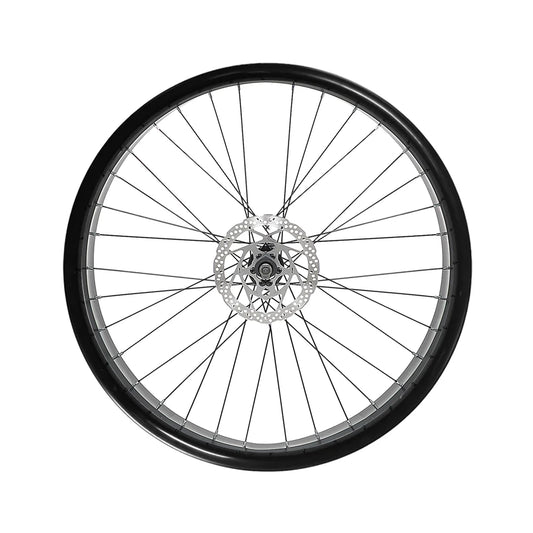
Jeu de roues avant d'origine pour vélo électrique Burchda
Prix habituel Du €239,00 EURPrix habituelPrix unitaire par€229,00 EURPrix promotionnel Du €239,00 EURSafe & Secure Payments
-
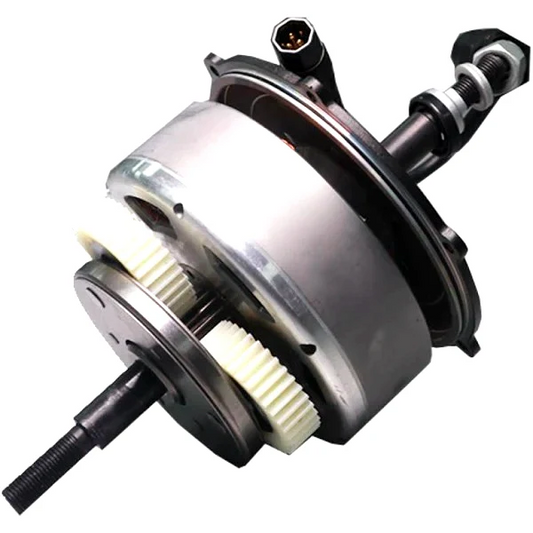
Noyau de moteur d'origine pour Burchda U8/ R5Pro/ RX90/ RX80/ RX70/ RX50/ R8s/ R8s PRO/ R8 PRO
Prix habituel Du €199,00 EURPrix habituelPrix unitaire par€299,00 EURPrix promotionnel Du €199,00 EURSafe & Secure Payments
En vente -
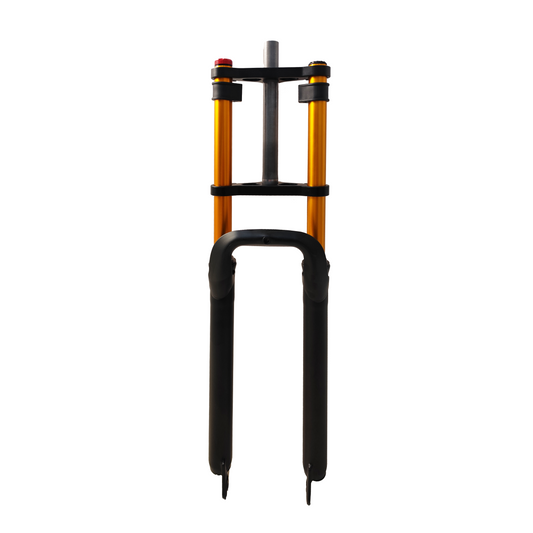
Amortisseur de fourche avant pour vélos électriques Burchda
Prix habituel Du €159,00 EURPrix habituelPrix unitaire par€169,00 EURPrix promotionnel Du €159,00 EURSafe & Secure Payments
En vente -
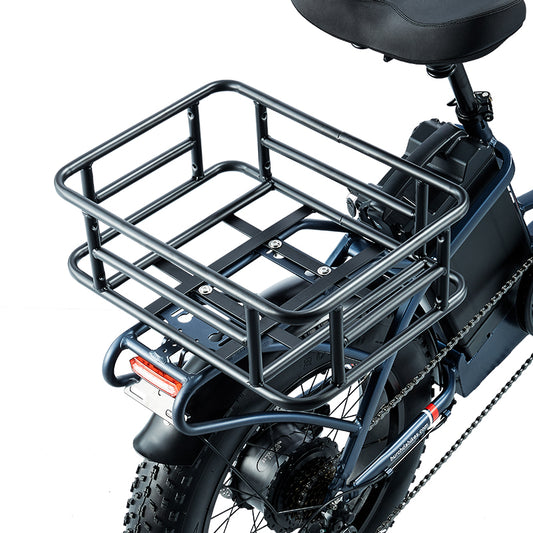
Panier de rangement arrière pour vélos électriques BURCHDA
Prix habituel €129,00 EURPrix habituelPrix unitaire par€119,00 EURPrix promotionnel €129,00 EURSafe & Secure Payments
-
Fourche inférieure d'origine pour vélos électriques Burchda
Prix habituel €119,00 EURPrix habituelPrix unitaire par€129,00 EURPrix promotionnel €119,00 EURSafe & Secure Payments
En vente -
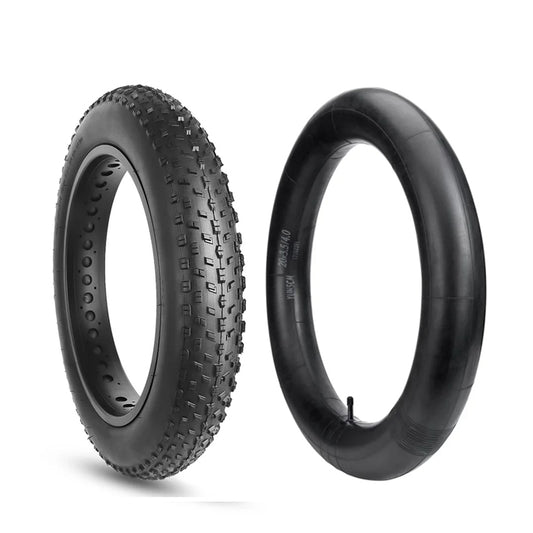
Pneus intérieurs et extérieurs d'origine pour vélo électrique Burchda
Prix habituel €109,00 EURPrix habituelPrix unitaire par -
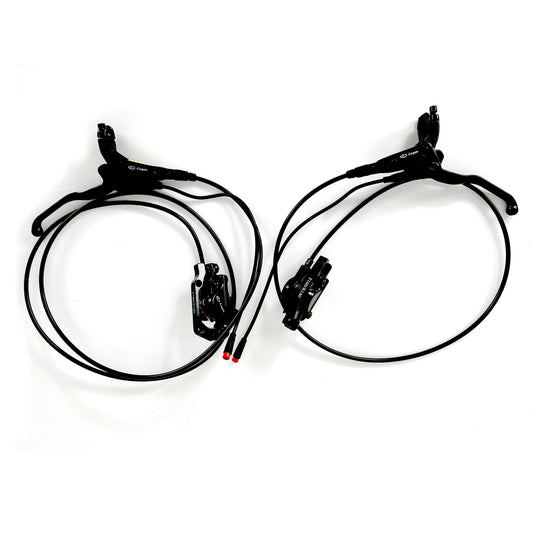
Système de freinage hydraulique/mécanique d'origine pour vélos électriques Burchda
Prix habituel €109,00 EURPrix habituelPrix unitaire par -
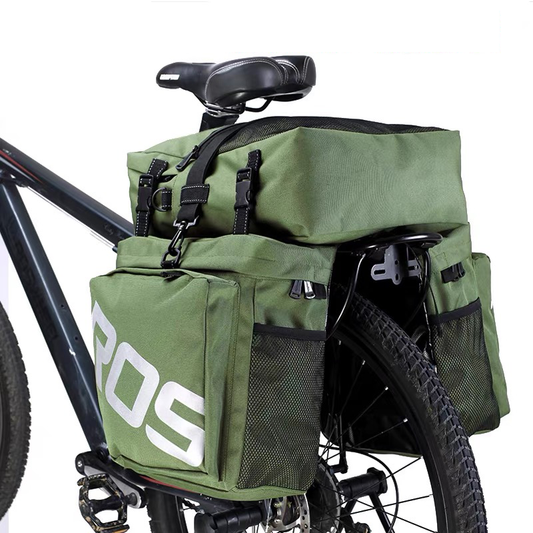
Sacs de coffre 3 en 1 double face pour vélo électrique BURCHDA
Prix habituel €109,00 EURPrix habituelPrix unitaire par€119,00 EURPrix promotionnel €109,00 EURSafe & Secure Payments
En vente -
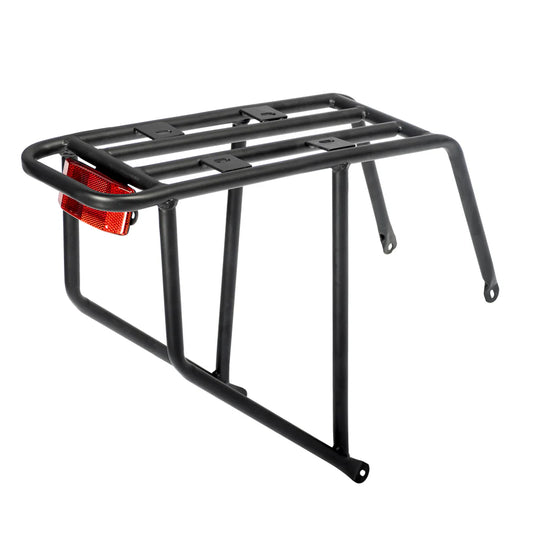
Porte-bagages arrière d'origine pour vélos électriques Burchda
Prix habituel €99,00 EURPrix habituelPrix unitaire par -
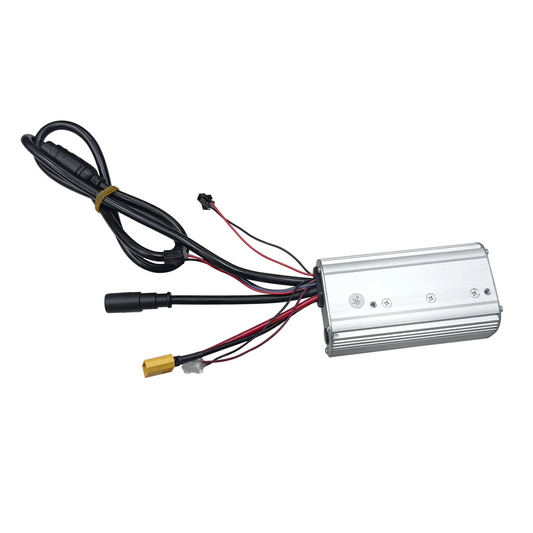
Contrôleur d'origine pour vélos électriques Burchda
Prix habituel €99,00 EURPrix habituelPrix unitaire par€119,00 EURPrix promotionnel €99,00 EURSafe & Secure Payments
En vente -
Écran LCD d'origine (bouton inclus)
Prix habituel €89,00 EURPrix habituelPrix unitaire par€139,00 EURPrix promotionnel €89,00 EURSafe & Secure Payments
En vente -
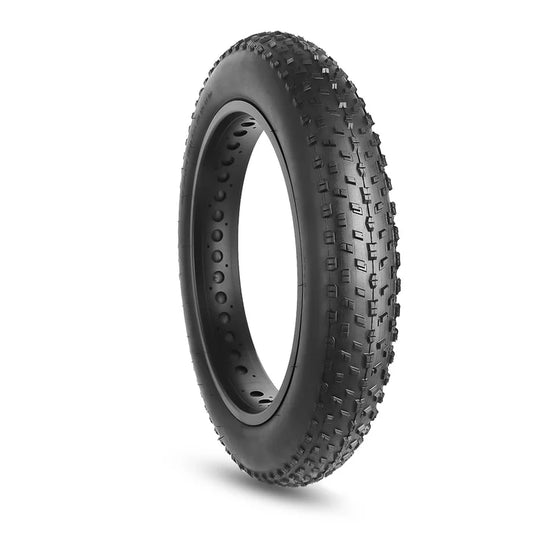
Pneus extérieurs d'origine pour vélo électrique Burchda
Prix habituel €89,00 EURPrix habituelPrix unitaire par
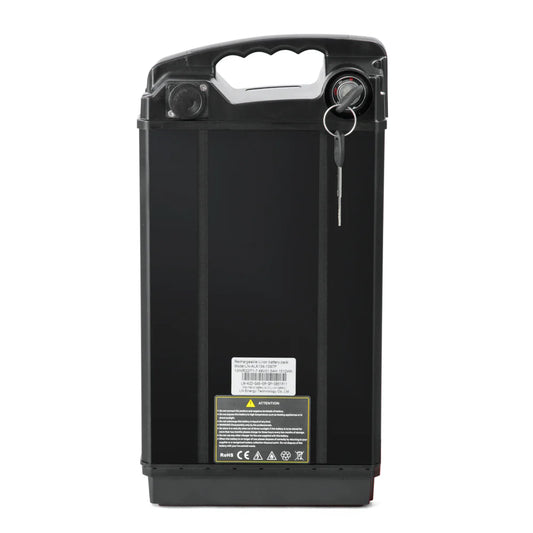







-
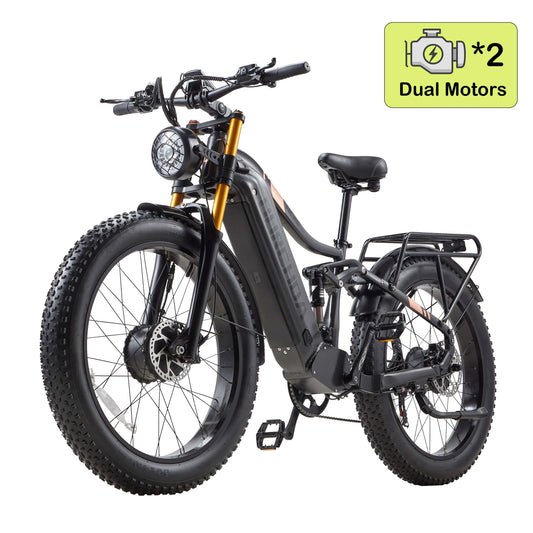 €550OFF
Burchda HC26 Intégrale
 2500 W Brush-Less Motor
 48V30Ah UL certification
 100 KM Max Electric Range
 50 km/h Max SpeedPrix habituel Du €1.699,00 EURPrix habituelPrix unitaire par
€2.249,00 EURPrix promotionnel Du €1.699,00 EURSafe & Secure Payments
En vente -
Burchda R5 Pro Max Double Moteur (Version Améliorée 2026)
2000 W Brush-Less Motor
48V30Ah UL certification
100 KM Max Electric Range
50 km/h Max SpeedPrix habituel Du €1.599,00 EURPrix habituelPrix unitaire par€1.799,00 EURPrix promotionnel Du €1.599,00 EURSafe & Secure Payments
En vente -
 €350OFF
Burchda B27 (Nouveau modèle 2026)
250 W / 1000 W Brush-Less Motor
48V20Ah UL certification
80 km Max Electric Range
45 KM/h Max SpeedPrix habituel Du €1.549,00 EURPrix habituelPrix unitaire par€1.899,00 EURPrix promotionnel Du €1.549,00 EURSafe & Secure Payments
En vente -
Burchda RX80 Double moteur (version améliorée)
2000 W Brush-Less Motor
48V 20Ah UL certification
50 KM Max Electric Range
50 km/h Max SpeedPrix habituel Du €1.199,00 EURPrix habituelPrix unitaire par€1.699,00 EURPrix promotionnel Du €1.199,00 EURSafe & Secure Payments
En vente -
 €350OFF
Burchda U8 Pro (Mise à niveau 2026)
250 W / 1000 W Brush-Less Motor
48V31.5Ah UL certification
100 KM Max Electric Range
45 KM/h Max SpeedPrix habituel Du €1.299,00 EURPrix habituelPrix unitaire par€1.649,00 EURPrix promotionnel Du €1.299,00 EURSafe & Secure Payments
En vente -
Burchda AZ26 (version améliorée 2026)
1000 W Brush-Less Motor
48V20Ah UL certification
65 KM Max Electric Range
45 KM/h Max SpeedPrix habituel Du €999,00 EURPrix habituelPrix unitaire par€1.399,00 EURPrix promotionnel Du €999,00 EURSafe & Secure Payments
En vente -
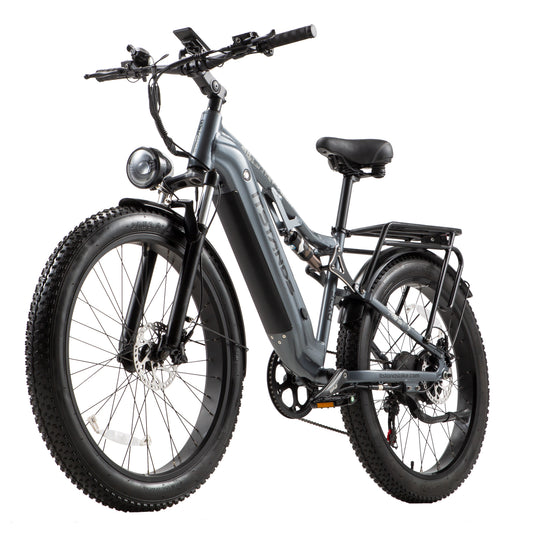 €400OFF
Burchda RX26 (Nouveauté 2026)
250 W / 1000 W Brush-Less Motor
48V20Ah UL certification
65 KM Max Electric Range
45 KM/h Max SpeedPrix habituel Du €1.149,00 EURPrix habituelPrix unitaire par€1.549,00 EURPrix promotionnel Du €1.149,00 EURSafe & Secure Payments
En vente -
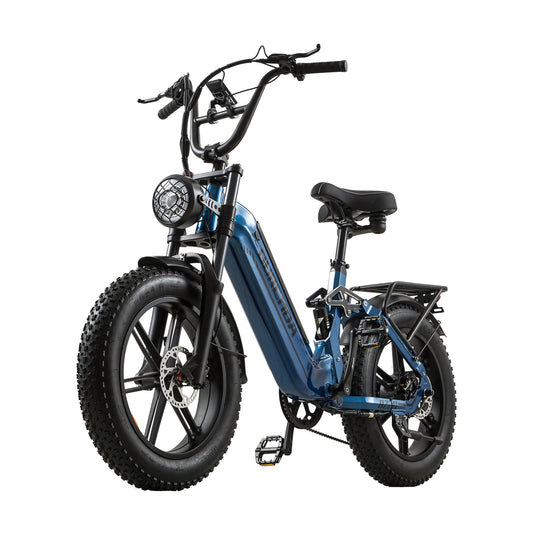 €250OFF
Burchda AZ20
250 W / 1000 W Brush-Less Motor
48V 20Ah UL certification
65 KM Max Electric Range
45 KM/h Max SpeedPrix habituel Du €1.199,00 EURPrix habituelPrix unitaire par€1.449,00 EURPrix promotionnel Du €1.199,00 EURSafe & Secure Payments
En vente -
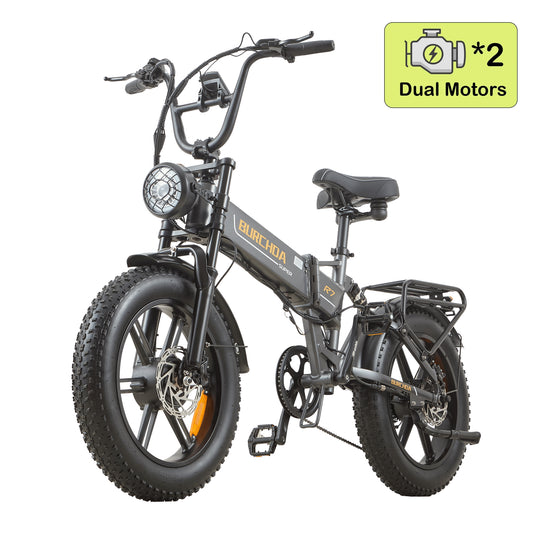 €350OFF
Burchda R7 Pro Bicylindre
2000 W Brush-Less Motor
48V20Ah UL certification
65 KM Max Electric Range
45 KM/h Max SpeedPrix habituel Du €1.049,00 EURPrix habituelPrix unitaire par€1.399,00 EURPrix promotionnel Du €1.049,00 EURSafe & Secure Payments
En vente -
 €150OFF
Burchda R3 (Mise à niveau 2026)
250 W / 800 W Brush-Less Motor
48 V 12,8 Ah UL certification
45 km Max Electric Range
40 KM/h Max SpeedPrix habituel Du €849,00 EURPrix habituelPrix unitaire par€999,00 EURPrix promotionnel Du €849,00 EURSafe & Secure Payments
En vente -
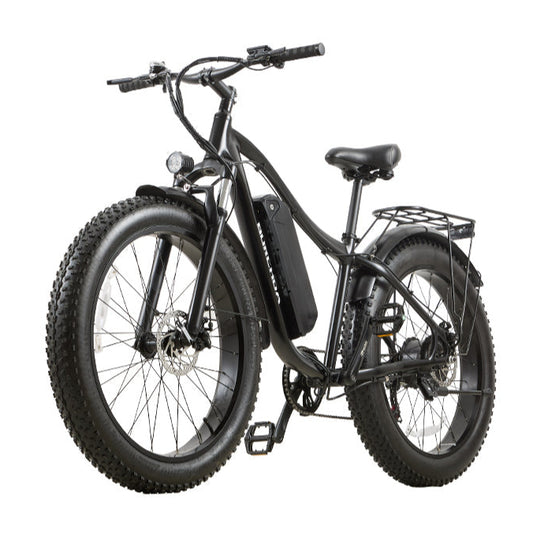 €240OFF
Burchda RX02
1000 W Brush-Less Motor
48V15Ah UL certification
60 km Max Electric Range
45 KM/h Max SpeedPrix habituel Du €849,00 EURPrix habituelPrix unitaire par€1.089,00 EURPrix promotionnel Du €849,00 EURSafe & Secure Payments
En vente -
Burchda RX20 (version 2026 améliorée)
250 W / 1000 W Brush-Less Motor
48V20Ah UL certification
65 KM Max Electric Range
45 KM/h Max SpeedPrix habituel €1.029,00 EURPrix habituelPrix unitaire par€1.289,00 EURPrix promotionnel €1.029,00 EURSafe & Secure Payments
En vente -
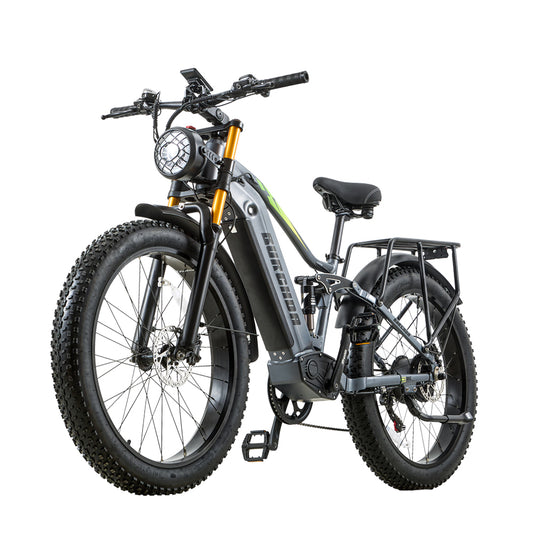 €500OFF
Burchda RX80 (mis à niveau)
1500 W Brush-Less Motor
48V20Ah UL certification
65 KM Max Electric Range
45 KM/h Max SpeedPrix habituel Du €1.199,00 EURPrix habituelPrix unitaire par€1.699,00 EURPrix promotionnel Du €1.199,00 EURSafe & Secure Payments
En vente -
 €300OFF
Burchda R7 Pro (mise à niveau 2026)
1000 W Brush-Less Motor
48V20Ah UL certification
55 km Max Electric Range
45 KM/h Max SpeedPrix habituel Du €1.049,00 EURPrix habituelPrix unitaire par€1.349,00 EURPrix promotionnel Du €1.049,00 EURSafe & Secure Payments
En vente -
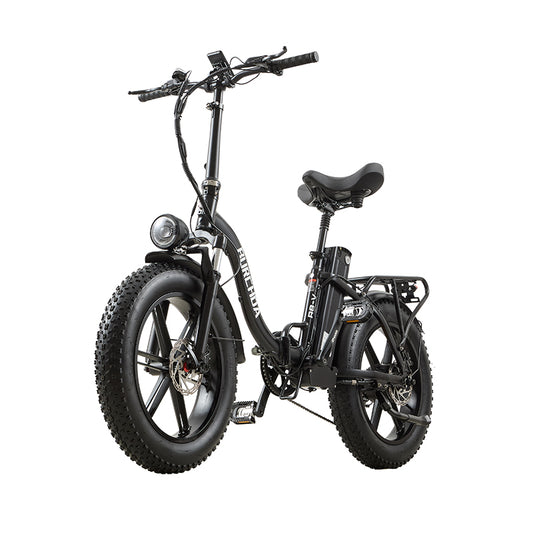 €290OFF
Burchda R8S Pro / R8V
250 W / 1000 W Brush-Less Motor
48V20Ah UL certification
65 KM Max Electric Range
40 KM/h Max SpeedPrix habituel Du €999,00 EURPrix habituelPrix unitaire par€1.289,00 EURPrix promotionnel Du €999,00 EURSafe & Secure Payments
En vente -
 €650OFF
Burchda X27 (Nouvel arrivage 2026)
750 W Brush-Less Motor
48V 17,5Ah UL certification
60 km Max Electric Range
40 KM/h Max SpeedPrix habituel €799,00 EURPrix habituelPrix unitaire par€1.449,00 EURPrix promotionnel €799,00 EURSafe & Secure Payments
En vente